A Quark InDesign Text Search & Extract Tool From Markzware - Page Zephyr
The end of 2009 saw the launch of a new Quark InDesign search tool called Page Zephyr by Markzware*. This tool added a new weapon to the Quark InDesign content extraction arsenal, giving those who sought to convert Quark to InDesign (or to convert InDesign to QuarkXPress) a new way of extracting text from the .qxd and .indd documents without actually having to own either program.
*Page Zphyr has been discontinued and has been replaced by ID Util - a free application with in-app purchase options.
Most designers in my experience want to convert Quark to InDesign so they don't have to create a new layout entirely from scratch. If this is all that's required, there are a couple of ways to go about this, covered in this conversion tutorial and the conversion case study.
However, you may find that all you need to do is get the text out of the document. If so, there's now a very useful text extraction alternative to Q2ID or ID2Q. The best way to describe Page Zephyr is to compare it to Spotlight on the Mac. For PC users who might be unfamiliar with Spotlight, it searches all the documents on your computer, both inside and out, so that when you perform a search on your Mac the results you get don't just limit themselves to file names.
Up until now, however, Quark and InDesign files have been limited to a file name search only. Page Zephyr plugs the Spotlight gap by searching within Quark and InDesign files (any version) and allowing the user to actually extract text from them without having to open the files.
Page Zephyr in Action
After installing Page Zephyr, open the preferences window to define the folders you'd like the program to search: Page Zephyr/Preferences... Click the '+' button to add directories you want it to index, and click 'OK'.
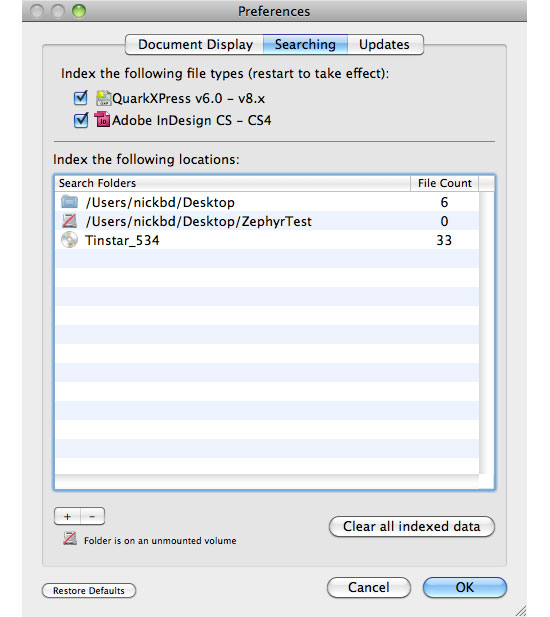
Depending on how large your directories are (and how many Quark or InDesign files are present) the program will take time to list all the files present. If like me you have hundreds (possibly thousands) of files archived on disks, just add the disk you want to search to the list. Once indexed, the files will appear as shown below:
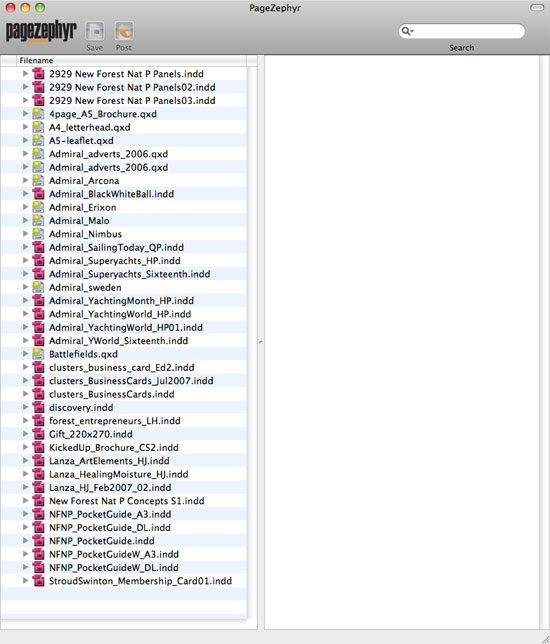
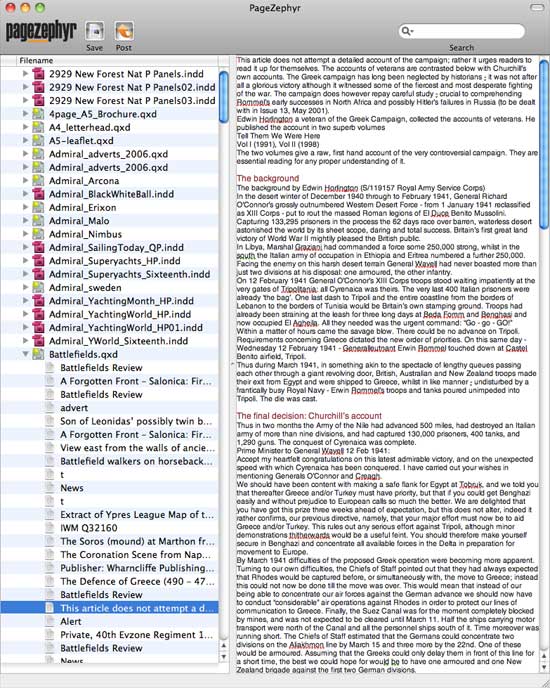
Each file name has an expandable triangle to the left of it which, when clicked, will reveal all of the text 'stories' contained within that file. Each 'story' is actually a text box within the Quark or InDesign file, and they are listed in the order that they are placed within the document. For example, the Battlefields.qxd Quark file shown below expands to reveal a long list of titles and articles. When one is clicked on, the content of that text box is displayed in the panel on the right. The text can either be selected (and copied & pasted) or saved (retaining formatting information) to a specified directory on your computer by clicking the 'Save' button at the top of the window.
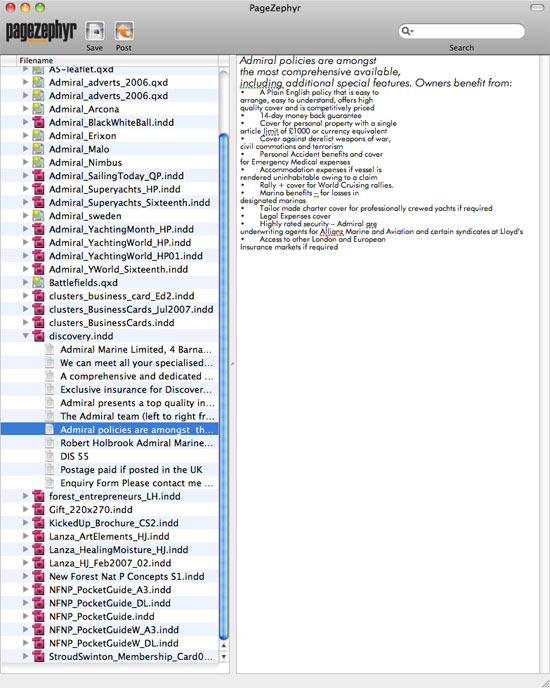
Below is an example of an InDesign story, extracted in exactly the same way as the Quark file above.
Page Zephyr as a Blogging Tool
In addition to the Save button, you'll also see a 'Post' button at the top of the window. This subtle little button reveals an excellent little addition for bloggers and marketing pros. When clicking Post, a window opens allowing you to create a Wordpress blog to which you can post and publish text stories direct from Page Zephyr. So if you want to find a story which has been relegated to your archives, Page Zephyr will make finding it possible and easy - something which Spotlight is (as yet) unable to do.
Resources & More Information
- Quark to InDesign Conversion Service - Tinstar Design
- Case Study: Convert InDesign to Quark Using ID2Q Quark XPress Plugin
- Case Study: Using the Pub2ID plugin to Convert Publisher Files to InDesign
- Case Study: Convert Quark to InDesign Using Q2ID InDesign Plugin
- Case Study: Convert Quark to InDesign CS4 Using Q2ID
- InDesign updates from Adobe - Mac users click here and Windows users click here
- Click to go to top of Quark InDesign Text Search page


