InDesign to Quark - Convert Using Markzware ID2Q Quark XPress Plugin
If you need to convert InDesign to Quark, this article briefly shows how the Markzware ID2Q Quark XPress plugin works.
First, select your InDesign document. The spread shown below was created in InDesign CS4. Make sure that all fonts are present and all images are correctly linked. You can do this by using the TYPE/FIND FONT... dialogue box and Links Palette. Once everything is present and correct, we can move onto Quark XPress.
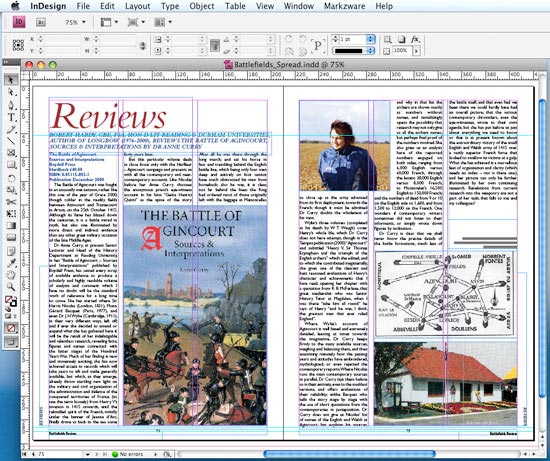
InDesign to Quark
Install the plugin for Quark XPress 8, 9 or 10
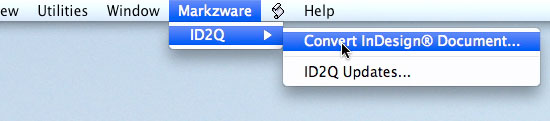
ID2Q comes with two plugins for Quark 8 and one for Quark 9 (or a subscription version for 10). Make sure you install the correct version into your Quark XTENSIONS folder before starting Quark XPress. Once you've installed ID2Q and launched Quark (you'll need to enter your Activation Code when prompted) a new menu item, "Markzware", will appear at the top of the screen.
Open the Document in Quark
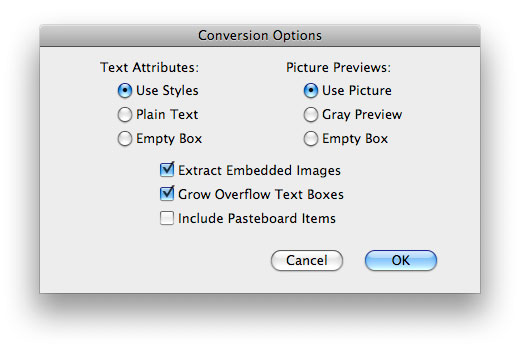
After selecting the Convert option, you'll be presented with the following dialogue box (the settings shown are the defaults).
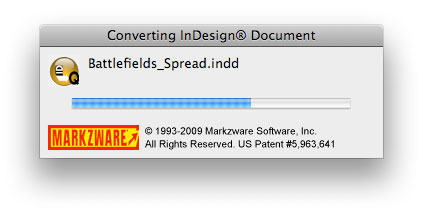
The spread was imported very quickly, and although the resulting page wasn't perfect (no conversion ever will be), it was an excellent start.
Check the document for layout and style differences
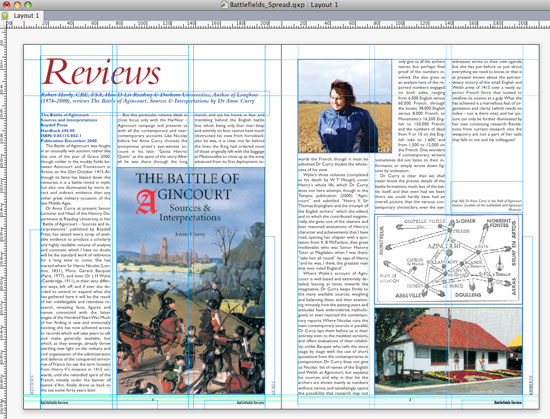
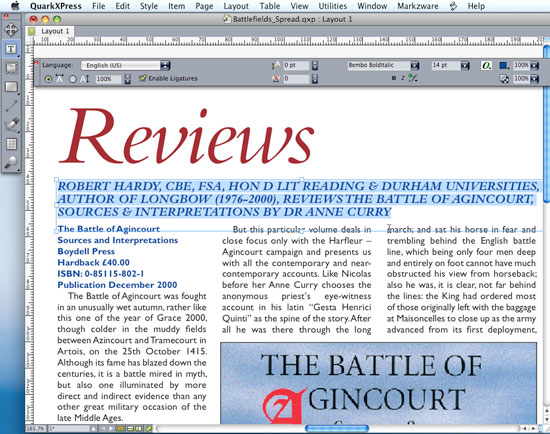
As Markzware states, no conversion will ever be perfect and there will always be work to do on the converted document. This one was no exception. Below is a screenshot of the page exactly as it was imported. The Master Pages were retained, as were the Guides, Color Swatches and Paragraph and Character Styles (called Style Sheets in Quark). However, some immediately obvious differences between the documents could be found in the hyphenation rules and the flow of the text.
Update the Style Sheets
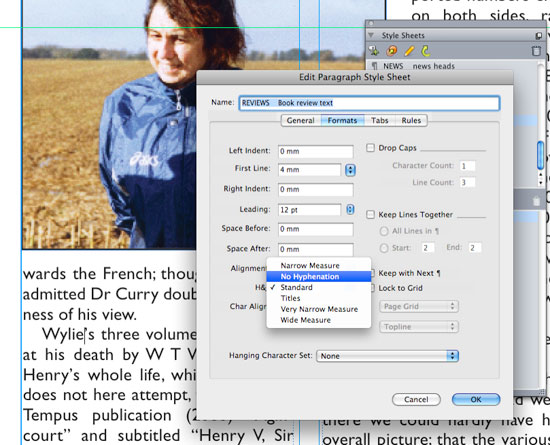
Because the text styles were retained, the hyphenation and other tweaks could easily be fixed in the Paragraph Styles panel without having to select every block of text in the document. Below shows the hyphenation being switched off in the Style Sheets:
Document Differences
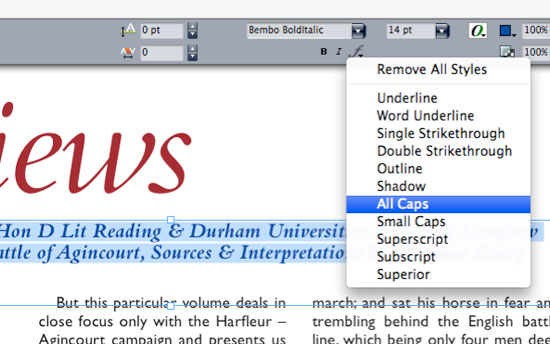
Other than hyphenation rules, some immediately obvious differences in my layout included slightly differently flowing text, doubling up of Master Page items and text case changes. Examples of these are shown below.
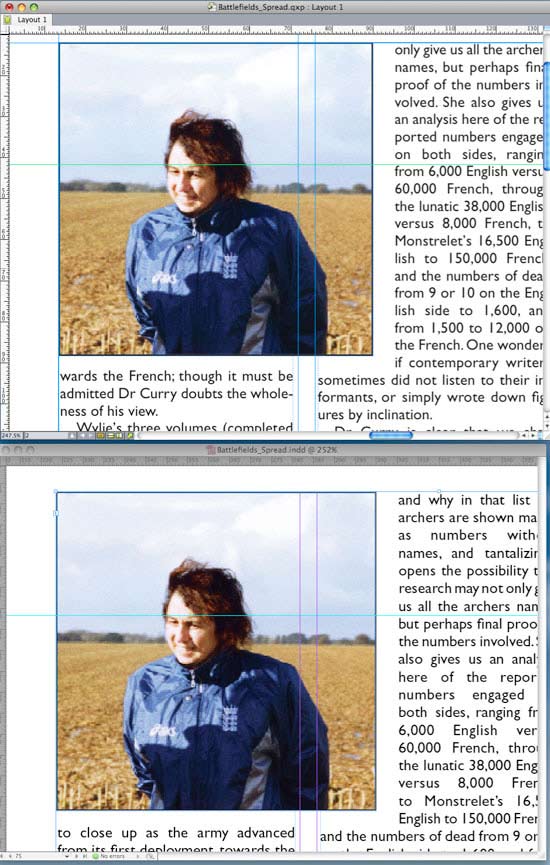
Doubling up of Master Page items:
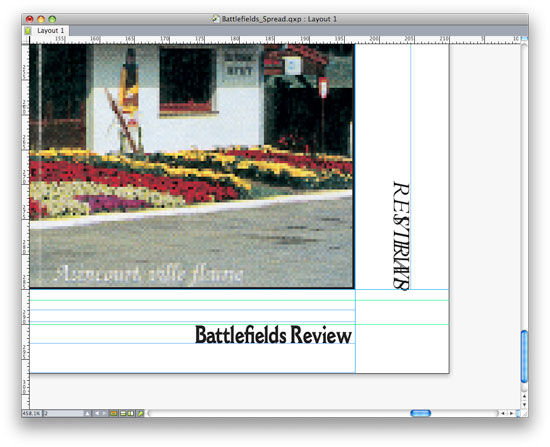
Text case changes:
Scrutinise and Save
Other glitches are quickly and easily resolved by scrutinising the document and tweaking widths and styles here and there. This can be time consuming, but it's still much quicker than re-creating the document from scratch. Here are the two finished documents for comparison (Quark on top, InDesign beneath).
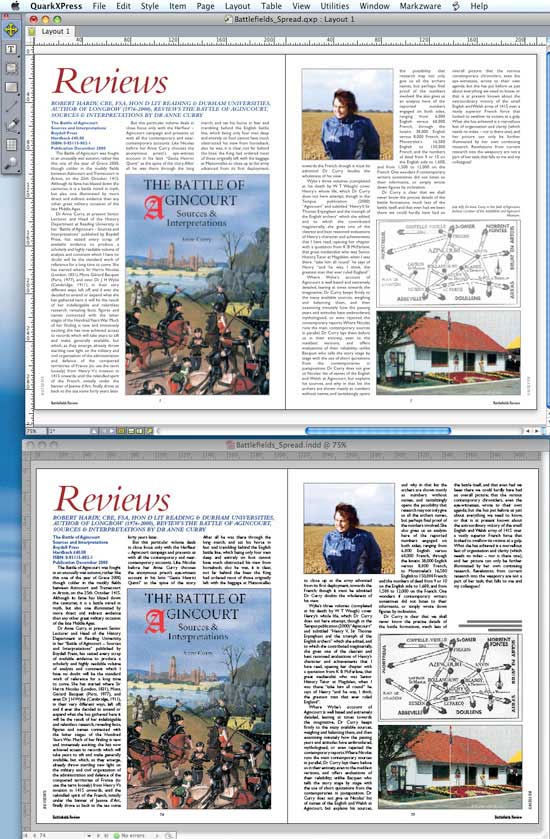
ID2Q is extremely useful because there really is no other practical way of converting from InDesign to Quark (as there is in the other direction). If you need to convert several documents, it's definitely worth the money.
Resources & More Information
- Q2ID - converts Quark Files to InDesign Files
- ID2Q - converts InDesign Files to Quark Files
- Quark to InDesign Conversion Service - Tinstar Design
- Case Study: Free Quark to InDesign Conversion Method
- Case Study: Using the Pub2ID plugin to Convert Publisher Files to InDesign
- Case Study: Convert Quark to InDesign Using Q2ID InDesign Plugin
- Case Study: Convert Quark to InDesign CS4 Using Q2ID
- InDesign updates from Adobe - Mac users click here and Windows users click here
- Click to go to top of InDesign to Quark page


